GT Cars City Racing – Unleash Your Inner Stunt Driver in a Toy City
Introduction
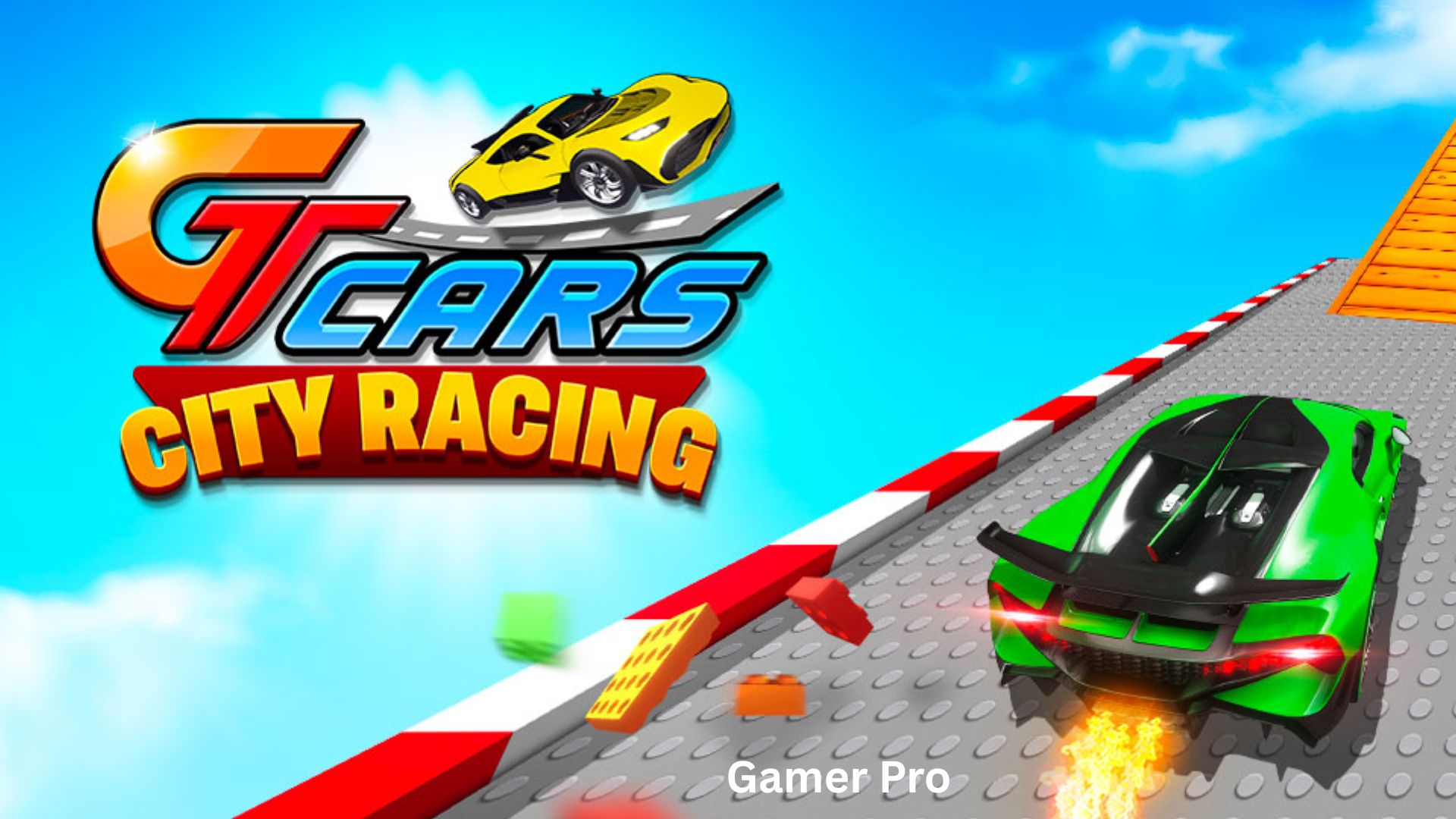
Imagine a world where the streets are made of colorful plastic, the buildings look like giant play blocks, and your car is a sleek, super-stylized machine capable of impossible jumps and thrilling drifts. Welcome to GT Cars City Racing, the latest driving sensation from gameVgames.
Released in December 2024, this HTML5 racing game takes everything fans loved about the previous series, GT Cars Mega Ramps, and cranks it up to eleven. The most requested feature by players? An open world. And the developers delivered—but not as you might expect. Instead of a realistic city, you race through a fantastic Toy City, a vibrant playground where every building, ramp, and road feels like it belongs on a child’s dream race track.
Whether you are a solo driver looking to perform incredible stunts or a pair of friends ready for some split-screen chaos, GT Cars City Racing offers endless action. The game features multiple super-stylized cars, a nitro boost system (NOS), and the freedom to explore every corner of this miniature metropolis.
The best part? You can play online directly in your browser. There is no software to install, no console required, and no expensive gaming PC needed. This free browser game runs smoothly on any modern computer. So buckle up, hit the gas, and let’s explore everything GT Cars City Racing has to offer.
What Is GT Cars City Racing? Game Overview
GT Cars City Racing is a 3D open-world driving and stunt game developed by gameVgames. It is the second installment in the GT Cars series, following the popular GT Cars Mega Ramps. The game is built using WebGL technology, which allows for rich 3D graphics directly in your web browser without any plugins.
Unlike traditional racing games that force you to follow a set track or compete in structured events, GT Cars City Racing drops you into a sandbox environment. The entire Toy City is yours to explore. You decide where to go, what ramps to jump, and how to push your car to its limits.
The game supports both single-player and local two-player modes. That is right—you can grab a friend, sit at the same keyboard, and race against each other or simply cause mayhem together. This split-screen functionality is rare in browser games and adds tremendous replay value.
The Toy City Setting
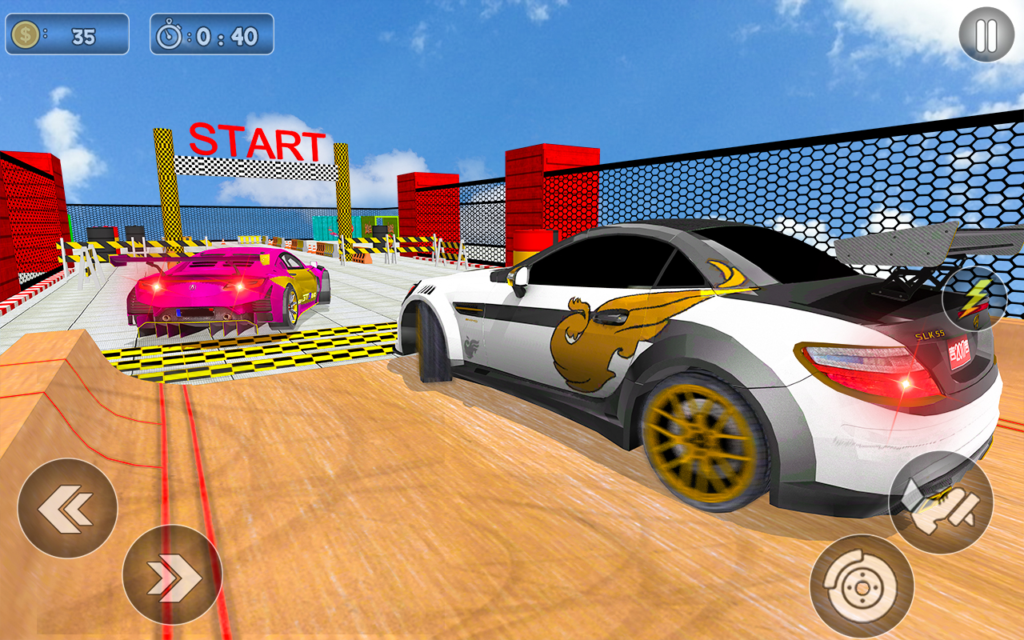
The open world is designed as a Toy City. The buildings are brightly colored and blocky. The roads wind through miniature neighborhoods, industrial zones, and massive stunt parks. Everywhere you look, there are ramps, loops, half-pipes, and elevated platforms. The toy aesthetic is not just cute—it is functional. The bright colors make ramps and obstacles easy to spot, and the playful environment reduces the frustration of crashing. After all, you are driving a toy car in a toy world. Smash into a building? No problem. Reset and try again.
Gameplay Mechanics and Controls
The Core Objective
There is no single “win condition” in GT Cars City Racing. Instead, you set your own goals. Do you want to find the highest ramp and achieve the longest jump? Do you want to drift through every street without crashing? Do you want to race against a friend from one end of the city to the other? The game gives you the tools and the playground. Your imagination sets the rules.
Single-Player Mode
In single-player mode, you control one car. Explore the Toy City at your own pace. Look for hidden ramps, practice your stunts, and try to beat your personal best for jump distance or air time. The lack of timers or enemies makes this a relaxing yet exciting experience.
Two-Player Mode (Same Keyboard)
This is where GT Cars City Racing truly shines. Player 1 uses the WASD keys to drive. Player 2 uses the Arrow Keys. Both players share the same screen. You can race side by side, attempt to knock each other off ramps, or simply see who can perform the craziest stunt. The two-player mode is perfect for siblings, friends, or anyone looking for some competitive fun without needing a second computer.
Controls (Keyboard Only)
Note: This game is not mobile web compatible. It requires a keyboard. You must play on a desktop or laptop computer.
| Action | Player 1 (WASD) | Player 2 (Arrow Keys) |
|---|---|---|
| Move / Steer | W, A, S, D | Up, Left, Down, Right |
| NOS (Nitrous Boost) | L-Shift | N |
| Restart Car Position | R | L |
| Change Camera View | C | U |
Understanding the Controls
- W / Up Arrow: Accelerate
- S / Down Arrow: Brake or Reverse
- A / Left Arrow: Steer Left
- D / Right Arrow: Steer Right
- NOS (L-Shift or N): Nitrous boost gives you a temporary burst of speed. Use it to climb steep ramps or to launch yourself further into the air.
- Restart (R or L): If your car gets stuck upside down or wedged between buildings, press this button to reset your car to a drivable position.
- Camera (C or U): Cycle through different camera angles. Find the view that gives you the best perspective for stunts or racing.
Key Features That Make GT Cars City Racing Unique
1. Full Open-World Toy City
Unlike linear racing games, you can drive anywhere. Explore every street, climb every ramp, and find secret stunt areas. The open world is not massive (it is a toy city, after all), but it is dense with things to jump over and off of.
2. Two-Player Split-Screen Action
This is the standout feature. Very few browser-based racing games support local multiplayer. GT Cars City Racing lets you and a friend play together on the same keyboard. The shared screen creates moments of laughter, competition, and friendly sabotage.
3. Super Stylized Cars
The cars in this game are not realistic simulations. They are exaggerated, colorful, and fun. Each car handles responsively but forgivingly. You can drift around corners, land jumps without instantly crashing, and recover from mistakes. The focus is on fun, not simulation.
4. NOS Boost System
The nitrous boost (NOS) adds a tactical layer. Do you use your boost to win a drag race against your friend? Or do you save it to launch off a massive ramp? The boost recharges over time, so you never run out completely.
5. Epic Stunt Opportunities
The Toy City is filled with ramps, loops, and elevated platforms. You can chain jumps together, perform mid-air spins (by steering in the air), and land on narrow platforms. The game tracks your jumps, encouraging you to find bigger and better launch points.
6. Multiple Camera Views
Press C (or U for Player 2) to cycle through camera angles. Choose from a behind-the-car view, a top-down view, or a cinematic chase camera. The different views help you judge distances for jumps or see around corners in two-player races.
Tips for Beginners (How to Dominate the Toy City)
New to GT Cars City Racing? Here are five tips to get you started.
1. Master the NOS Boost
The nitrous boost is not just for straight lines. Use it before a ramp to launch yourself much further. Use it mid-air to adjust your trajectory (yes, boost works in the air). Use it to catch up to a friend in two-player mode. Do not hoard your boost—it recharges quickly.
2. Explore Before You Compete
Do not jump straight into two-player races. Spend ten minutes in single-player mode driving everywhere. Learn where the largest ramps are. Find the loops. Discover which streets connect to which. Knowledge of the map is your biggest advantage.
3. Use the Restart Button Generously
If you flip your car or get stuck between two buildings, do not struggle for minutes. Press R (Player 1) or L (Player 2) to instantly reset your car to a drivable position. This saves frustration and keeps the action flowing.
4. Experiment with Camera Views
The default camera is fine for driving, but for stunts, try the closer chase camera. For two-player racing, the top-down view gives you better awareness of your opponent’s position. Press C or U until you find the view you like.
5. In Two-Player Mode, Use the Whole Screen
Do not just drive directly at your friend. Use the environment. Lure them into narrow alleys where you can block them. Use ramps to jump over them. The Toy City is a weapon—learn to use it.
Is GT Cars City Racing Suitable for You? (Audience Analysis)
For Kids (Ages 7+)
Yes. The toy city theme is inherently child-friendly. There is no blood, no violence, and no inappropriate content. The controls are simple (WASD or arrows). The forgiving physics mean kids will not get frustrated by realistic driving models. However, younger children may need help remembering the keyboard controls. Also note the game is not suitable for touchscreens; a keyboard is required.
For Casual Players
Absolutely. This is the definition of a “pick up and play” game. You can jump in for five minutes to perform a few jumps, or you can play for an hour exploring every corner of the city. The lack of strict objectives makes it stress-free. The two-player mode is a hit at parties or with siblings.
For Hardcore Gamers
Moderately. Hardcore racing sim fans (those who love realistic physics, tuning, and career modes) will find this game too simple. However, hardcore stunt enthusiasts (fans of games like Trackmania or GTA V stunt modes) will enjoy finding the limits of the Toy City. The game does not have leaderboards or achievements, so you must create your own challenges.
Verdict by Audience
| Audience | Suitability | Notes |
|---|---|---|
| Kids (7-12) | ✅ High | Requires keyboard; very child-friendly theme |
| Teens | ✅ High | Great for quick gaming sessions with friends |
| Casual adults | ✅ Very high | Perfect stress-free driving sandbox |
| Hardcore racing fans | ❌ Low | Too simple; no realism or career mode |
| Stunt enthusiasts | ✅ High | Excellent for creative jump exploration |
Frequently Asked Questions (FAQ)
1. Do I need to download anything to play GT Cars City Racing?
No. GT Cars City Racing is a free browser game that runs on WebGL. You can play it directly in this article using the embedded game frame. There is no software to install, no app to download, and no registration required. Just ensure you are on a desktop or laptop with a keyboard.
2. Can I play GT Cars City Racing on my phone or tablet?
No. The game is not mobile web compatible. It requires a physical keyboard for controls (WASD and Arrow keys). Touchscreen devices will not work. You must play on a Windows PC, Mac, or Chromebook with a keyboard.
3. Is there a two-player mode? How does it work?
Yes! GT Cars City Racing features local two-player mode on the same keyboard. Player 1 uses WASD and L-Shift (NOS). Player 2 uses Arrow Keys and N (NOS). Both players share the screen. You can race, stunt, or just drive around together. This is a rare and fantastic feature for a browser game.
4. What is the goal of the game? Are there missions?
There are no structured missions or objectives. GT Cars City Racing is a sandbox driving game. Your goals are self-directed: perform the biggest jump, explore the entire Toy City, race against a friend, or simply enjoy the feeling of driving. Some players enjoy trying to land on top of buildings or complete a lap around the city’s perimeter without crashing.
5. The game seems slow or choppy. What should I do?
GT Cars City Racing uses WebGL for 3D graphics, which can be demanding on older computers. Try these tips:
- Close other tabs and background programs (especially video streaming).
- Use a modern browser like Chrome, Firefox, or Edge.
- Ensure your graphics drivers are up to date.
- Lower the game’s quality settings (if available in a menu).
- Try refreshing the page.
6. How do I restart if my car gets stuck upside down?
Press the Restart Car Position button: R for Player 1, L for Player 2. Your car will reset to a normal, drivable position at your current location. This is much faster than waiting or struggling.
7. Are there different cars to unlock?
The game description mentions “magnificent super stylized cars.” Depending on the version, you may be able to select different cars from a menu. Look for a “garage” or “select car” option on the main screen. Not all browser versions include multiple cars, so explore the interface.
Conclusion
GT Cars City Racing is a breath of fresh air in the browser racing genre. By abandoning realistic simulations and competitive pressure, it creates something rarer: a pure, joyful driving sandbox.
The Toy City is a delight to explore. The super-stylized cars handle with just the right balance of arcade fun and control. The NOS boost adds excitement to every jump. And the two-player split-screen mode transforms a solo activity into a shared, laughing experience.
Because it is a free browser game with no download required, there is zero risk in trying it. The embedded game above is waiting for you. Pick a car, invite a friend (or go solo), and start exploring.
Whether you want to spend five minutes launching off a ramp or an hour mastering every corner of the Toy City, GT Cars City Racing delivers non-stop action. So hit the gas, engage the NOS, and see just how high you can fly.